three.js — The Basics, and Why It Fits AI Work
Contents
Notes on three.js, the library behind most “AI made this 3D demo” posts. Everything below is based on 0.186.1 (released September 2026), and every example was run in headless Chromium.
What it is
A JavaScript library for 3D in the browser. Raw WebGL means writing shaders and buffers by hand; three.js wraps that into scenes, cameras and objects, so a few dozen lines get something on screen. Recent versions also support WebGPU.
Four building blocks:
Scene: holds objects and lightsCamera: where you look from, usuallyPerspectiveCameraRenderer: does the drawing,WebGLRendererorWebGPURendererMesh: a shape (Geometry) plus a surface (Material)
One HTML file, no build step
An import map pulls three.js straight from a CDN.
| |
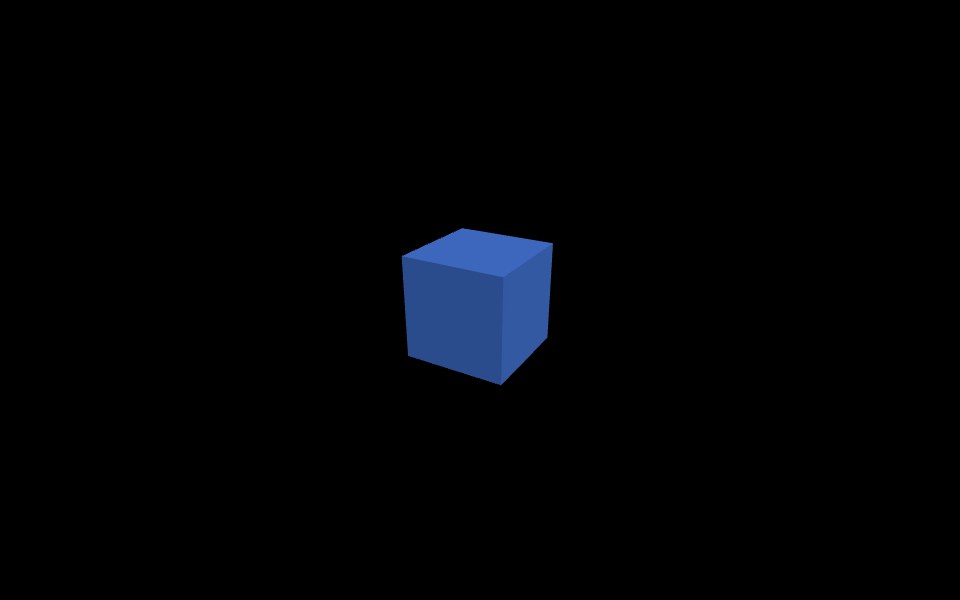
MeshStandardMaterialneeds light. Remove the lights and the box renders blackOrbitControlsgives you mouse rotate and zoom- On window resize, update
camera.aspectand callrenderer.setSizeagain
Things you use often
Loading 3D models
Blender exports and most 3D-generation model outputs are .glb files. Open them with GLTFLoader.
| |
Others
- Tens of thousands of dots:
Points. Many copies of one object:InstancedMesh - Clicking objects:
Raycaster - Post effects such as bloom:
EffectComposer - WebGPU:
import * as THREE from 'three/webgpu'and useWebGPURenderer. Shaders are written in TSL, a JavaScript-based shading syntax - In React, use
@react-three/fiber
Docs: https://threejs.org/docs/ , examples: https://threejs.org/examples/
Why it fits AI work
LLMs write it well
The library is over ten years old and there is a huge amount of example code and Q&A around it, so LLMs produce fairly accurate three.js code. The result is a single HTML file you can open right away, which is probably why so many AI demos use it.
Looking at embeddings in 3D
Reduce text or image embeddings to three dimensions with UMAP or PCA, plot them with Points,
and you can see similar items cluster. You can rotate the view, which helps more than a flat 2D chart.
Here is a test with fake data: 5 classes, 4,000 points each, 20,000 points total.
| |
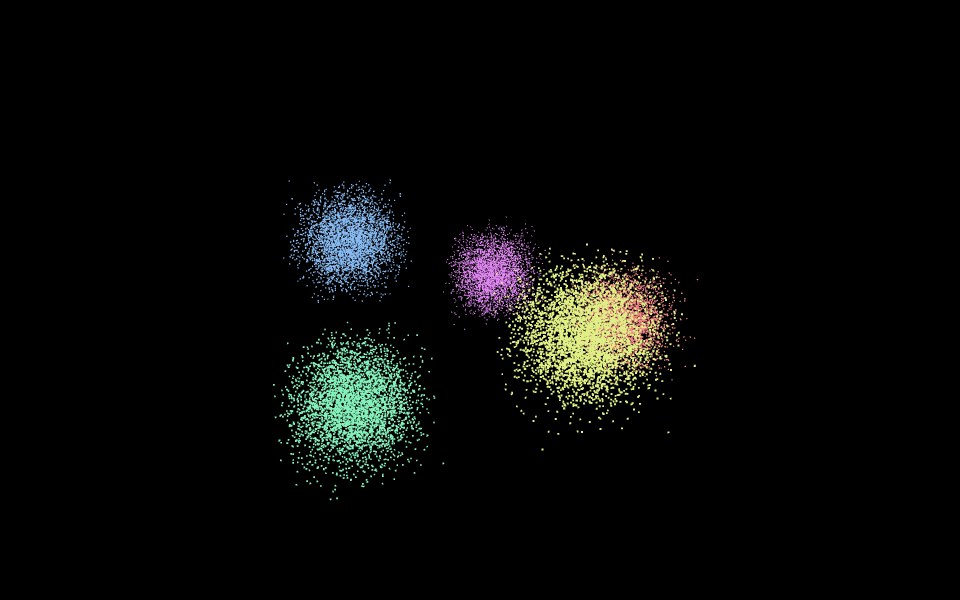
On a server with no GPU, using software rendering (SwiftShader), the 20,000 points ran at 34 fps and the single box at 60 fps. A machine with a real GPU should handle far more. I did not test the upper limit.
Viewing 3D generation outputs
Text-to-3D and image-to-3D models mostly output glTF (.glb), PLY point clouds or Gaussian splats. glb and ply open with the built-in loaders. Gaussian splats need a separate library that runs on top of three.js. A depth map from a depth-estimation model can be applied to a plane mesh to give a single photo some depth.
Running models next to it in the browser
MediaPipe, TensorFlow.js, Transformers.js and ONNX Runtime Web all run in the browser too. Rotating an object with hand gestures from a webcam, or driving an avatar from face tracking, works without a server. You share a link and anyone can open it.
Scenes as JSON
A whole scene can be exported to JSON and read back, which is handy when an LLM generates or edits scene data.
| |
A scene with one box exports to 2,117 bytes of JSON, and loading it back gives a Scene with the BoxGeometry intact.
Because the scene is a parent-child tree, an instruction like “make the left chair red” turns into a few lines of code.
Errors in AI-written three.js code
LLMs often mix in code from old versions. When something breaks, check these first.
| Old code | Now |
|---|---|
THREE.Geometry | removed, use BufferGeometry |
examples/js/... script tags | import from examples/jsm/... |
renderer.outputEncoding = THREE.sRGBEncoding | renderer.outputColorSpace = THREE.SRGBColorSpace |
your own requestAnimationFrame loop | renderer.setAnimationLoop() |
What 0.186.1 actually returns:
| |
outputEncoding = THREE.sRGBEncoding is silently ignored. The renderer already defaults to sRGB, so usually nothing looks wrong.
The real problem is texture.encoding = THREE.sRGBEncoding from the same era of code. It is ignored too, and textures come out washed out. Use texture.colorSpace = THREE.SRGBColorSpace instead.
When asking an AI for three.js code, add “latest three.js, ES modules, import map”. Most of these problems go away.
There is no physics engine or editor. For physics, add cannon-es or Rapier. For something game-sized, Babylon.js may be easier.